
МойСклад
 RU
RU
RU
Russia: МойСклад Gives 14 Days of Full-Feature Access Free
New МойСклад users can use all system functions and technical support free for 14 days, after which the account switch...
Provider listing
TeamViewer remains free for personal, non-commercial remote access and support across major desktop and mobile platforms, while business use requires a paid license.
Open TeamViewer's official free personal-use page, download the current TeamViewer Remote client for your device, and use it only for personal, non-commercial connections.
More currently published and verified offers from the same or similar category.
RU
New МойСклад users can use all system functions and technical support free for 14 days, after which the account switch...

 RO
RO
Romanian businesses in their first year after incorporation can use SmartBill’s Platinum features free for 12 months,...

 PT
PT
Faturit’s Portugal-focused invoice and expense platform has a €0 forever plan with five documents per month, AI OCR, e...

 MZ
MZ
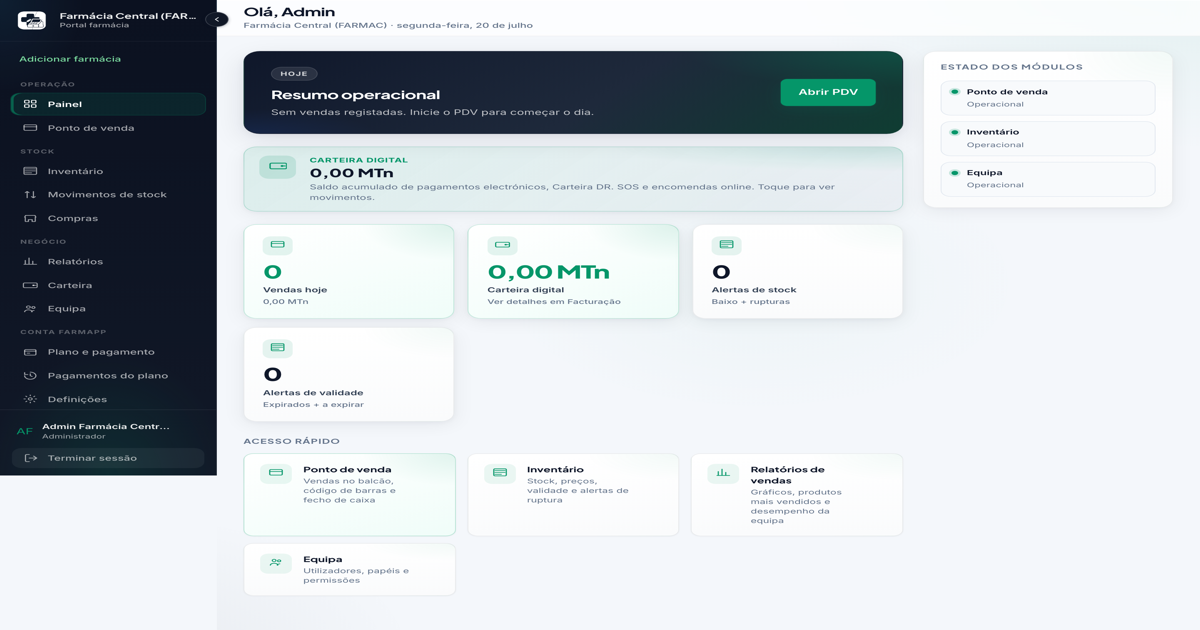
FarmApp gives a 30-day Essencial trial for the first pharmacy in Mozambique, with no payment card required after the p...